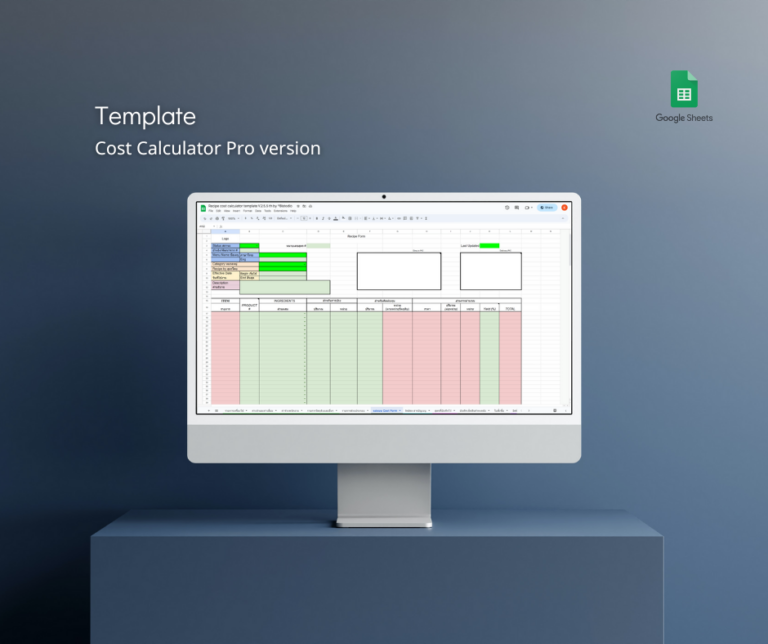
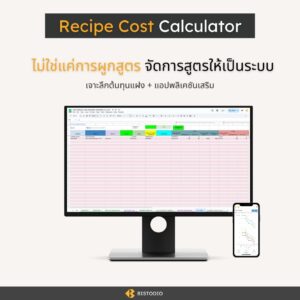
Recipe Cost calculator Template
A complete and in-depth template for food cost calculation
The “Recipe Cost Calculator Template” is designed for restaurants, cafés, bakeries, and food production businesses that need accurate cost and profit calculations for their menu items.
Work from anywhere
Compatible Across Devices
All you need is an internet connection
Easy to use
Built on a familiar Google Sheets format
Detailed calculations
Covering both ingredient costs and hidden costs
Seamless
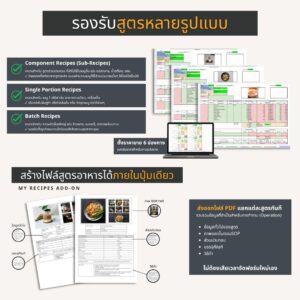
Use one recipe as a component in other menu items
Support pricing for promotions and bundles
Set sales targets
Run feasibility analysis
Calculate daily sales targets
Developed from real-world use in food businesses
It provides in-depth recipe cost calculations to help you refine your pricing strategy and set prices that support healthy profit margins.
Create a consistent standard for your business’s recipes. Record each recipe in detail so portion size and food quality stay consistent, no matter who prepares it.
It goes beyond cost per plate by looking at costs across the whole operation
Because food businesses involve more than ingredients, the template helps you analyze the true cost of production.
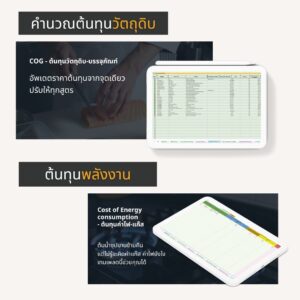
COGS
It is not just about how much raw material goes in. You also need to calculate cost based on usable yield after trimming and preparation.
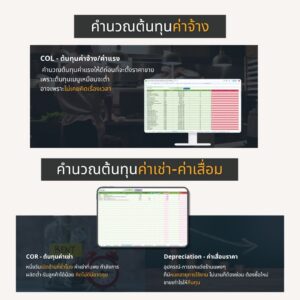
Rental Cost
If your shop is open for long hours, has high rent, limited production capacity, or limited seating, these factors directly affect profitability. Poor planning can easily lead to losses.
Depreciation Cost
Equipment and shop fit-out have a usable lifespan. Repairs and replacements will eventually be needed, so your pricing should account for recovering those costs.
Labor Cost
If a dish takes a long time to prepare, is the selling price still worth the labor? Labor cost should be calculated carefully before setting the final price.
Electricity & Gas Cost
Simmering stock overnight without knowing how to account for gas or electricity can leave out major hidden costs that should not be ignored.
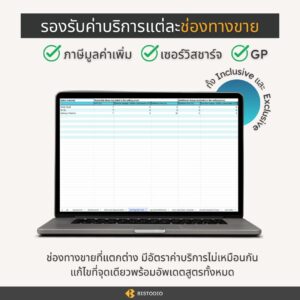
VAT, Service Charge, and Platform fee
Dine-in, takeaway, delivery, and packaged sales all come with different fees and cost structures, so each sales channel should be calculated separately.
Everything is combined in one Google Sheets template, helping your business manage recipe data and analyze costs in one place.
3-Layer Cost Analysis
To cost your menu safely, you need to account for all three layers and reduce the risk of “selling well but still losing money.”
Food Cost
Ingredient cost
Direct Costs
The direct costs actually incurred to produce that dish
Activity-Based Cost
An advanced costing method used to identify hidden costs
It is not enough to know only how much a dish costs
You also need to know how much you need to sell in order to break even
It also supports break-even analysis (BEP) and sales planning.
What types of businesses
can use it?
See real examples of how it can be used across different business models
Restaurants & Cafés
Calculate menu costs and set selling prices for food, beverages, and bakery products
Catering & Ready-Cooked Food Businesses
Produce in batches, then portion for sale or combine into meal sets
Food Manufacturing
Suitable for portioned and packaged products such as ready-to-eat meals, sauces, and ice cream
Pop-Up Booths / Event Sales
Evaluate profitability before investing in short-term events or booths
Buffet Businesses
Control cost per head and set prices that keep the business sustainable
Farm-to-Table Businesses
For businesses that manage the process from farming to final preparation, with costing from source to plate
The PRO template offers in-depth cost analysis and can be used across many types of food businesses, both locally and internationally.
As your business grows or changes its model, your cost system can continue to scale with you without needing to start over.
Our Clients
RECIPE COST CALCULATOR PRO



Testimonials


It is linked to real costs that can be updated at any time, allowing me to instantly know the cost of each product at that specific time. Recording and editing are also easy.












Testimonials


It is linked to real costs that can be updated at any time, allowing me to instantly know the cost of each product at that specific time. Recording and editing are also easy.


Work smarter, not harder
Choose our cost calculator
Spend more time improving your business instead of calculating manually. A must-have template for anyone in the food business.
- No need to build complex formulas yourself
- Access it anywhere without carrying notebooks around
- Solve the problem of inaccurate or difficult cost calculation
- Food cost is more than just ingredients. The template also helps calculate labor, gas, electricity, packaging, and depreciation.
- No more fixing prices item by item when costs increase. Update one source point, and related calculations adjust automatically.
- Calculate VAT-inclusive or VAT-exclusive pricing, plus service charge, and see what remains after deductions.
- Different delivery platforms have different GP rates, and the template lets you calculate them separately.
- Supports up to 6 selling prices and automatically calculates profit for each one
- Works on desktop, mobile phones, and tablets
- Compatible with Google Sheets
Free
FREE- Sample Costing Form
- Limited Recipe Entries
- No Add-on App Support
Basic
Basic (Thai version only)- Standard Food Costing
- Auto-Link Ingredient Prices
- Comprehensive recipe index
- No Add-on App Support
Pro
For Business Owners- Complete 5-Keys Costing
- Real Net Profit Analysis
- Multi-Level Sub-Recipes
- Batch & Single Portion Calculation
- Advanced Pricing (VAT, GP, Service)
- Profit & Break-even Planning
- Inventory & Market List Form
- FREE! Mobile SOP Recipe App
- Multi-Currency
- Satisfaction Guarantee
Choose PRO for professional food businesses
Supports integration with add-on apps
Bill of Materials
Calculate the raw materials used in production
My Recipe (SOP)
View recipes through the app and create standardized recipe SOPs
Menu Engineering
Analyze menu performance
Add-on applications require connection to the PRO template
Access via AppSheet
Frame Work
To cost your menu safely, you need to account for all three layers and reduce the risk of “selling well but still losing money.”
Food Cost
Ingredient cost
Direct Costs
The direct costs actually incurred to produce that dish
Activity-Based Cost
An advanced costing method used to identify hidden costs
SOP
Cost Calculator PRO
Recipe Cost Calculator
Activity-Based Cost
An advanced costing method used to identify hidden costs
Food Cost
Ingredient cost
Direct Costs
The direct costs actually incurred to produce that dish
Activity-Based Cost
An advanced costing method used to identify hidden costs
It is not enough to know only how much a dish costs
You also need to know how much you need to sell in order to break even
It also supports break-even analysis (BEP) and sales planning.
- FREE+
- BASIC
- PRO
Database of Item Options
Record and compile item options into a database according to each category.
- Automatically pull item data, no need to re-enter each time.
- If raw material prices change, update just one entry, and it will adjust all recipes.
Summary of Recorded Recipe Index
Easily sort and search recipes with all the necessary details displayed:
- Category
- Menu Name
- Position
- Status
- Recipe Number
- Description
- Sales Channel and Price
Calculating Hidden Costs
The root cause of “high sales but no profit” – calculate thoroughly to reduce the risk of loss.
- Cost of Energy consumption
- COR – Cost of Rent
- Depreciation
- Labor Cost
To be used as a component in other menus
Save the recipe and use it as a component in other menus:
- Stock broth
- Master/Mother sauce
- Sub-ingredients
- Parts/components
- Promotion set
Setting Selling Prices and Calculating Profit and Loss
Supports setting the selling price for each recipe, along with profit and loss analysis.
- Record up to 6 sales channels per recipe.
- Select cost types for profit and loss analysis.
- Supports Value Added Tax
- Service Charge
- Sales commission/platform service fee (GP).
- Helps calculate cost ratio/selling price.
Retail/Portion/Wholesale Pricing
recipes based on sales format and calculate costs with profit analysis based on production volume.
- Retail/Single serving.
- Portion sales (e.g., cutting cake slices/scooping curry).
- Industrial Production
Promotional Set Price Analysis
Determine if promotional sets are profitable or not.
- Create sets from recorded menu recipes.
- Compare regular prices for individual items with promotional pricing.
- Analyze cost and profit, as promotions often come with increased time costs.
Daily Sales Target and Break-even Point Analysis (feasibility study)
Plan from the beginning by selecting items from recorded recipes and estimated sales quantities, along with specifying hidden costs to determine the sales target that will yield profit.
- How much must be sold daily to achieve a positive Net Profit?
- Calculate costs based on the target payback period.
- If adding staff, how much more sales are needed to meet the target?
- If expanding space and rent increases, what sales target must be achieved?
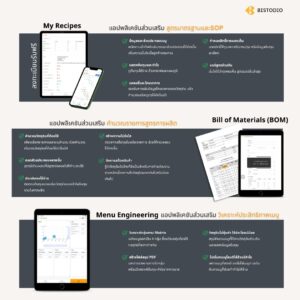
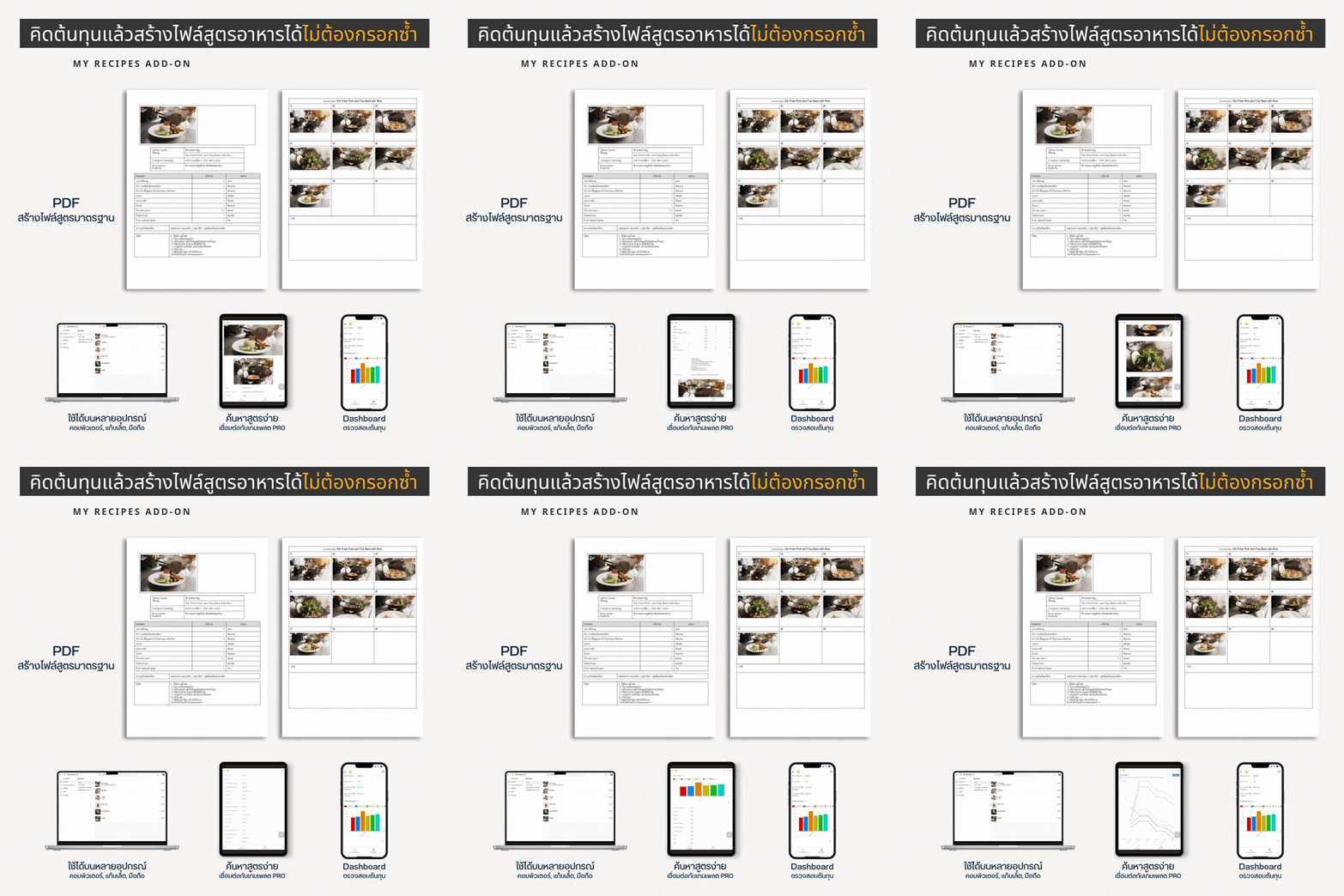
View Recipes Through the My Recipes App
My Recipes app is an add-on reporting tool exclusively for PRO version users, offering seamless recipe management and analysis.
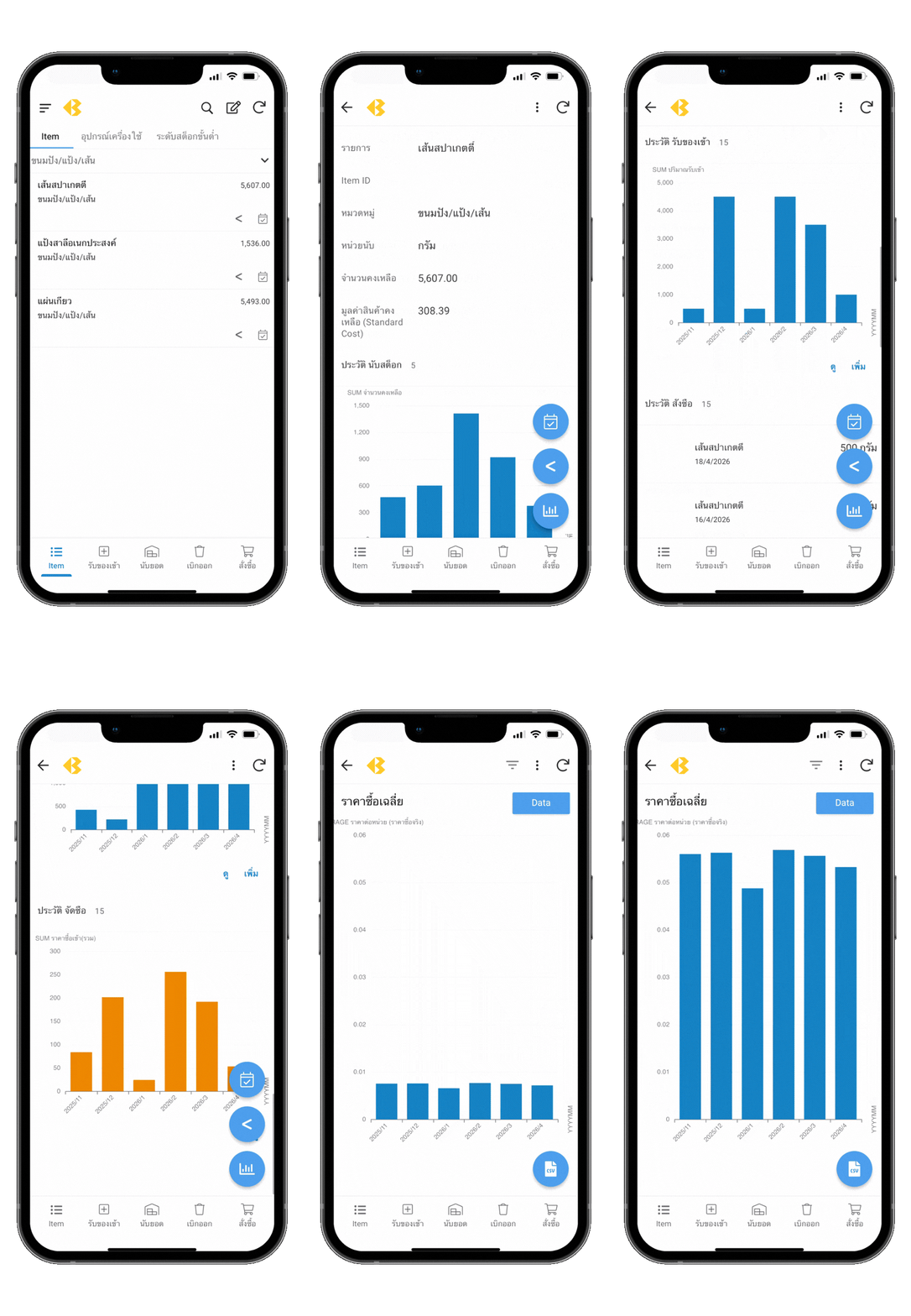
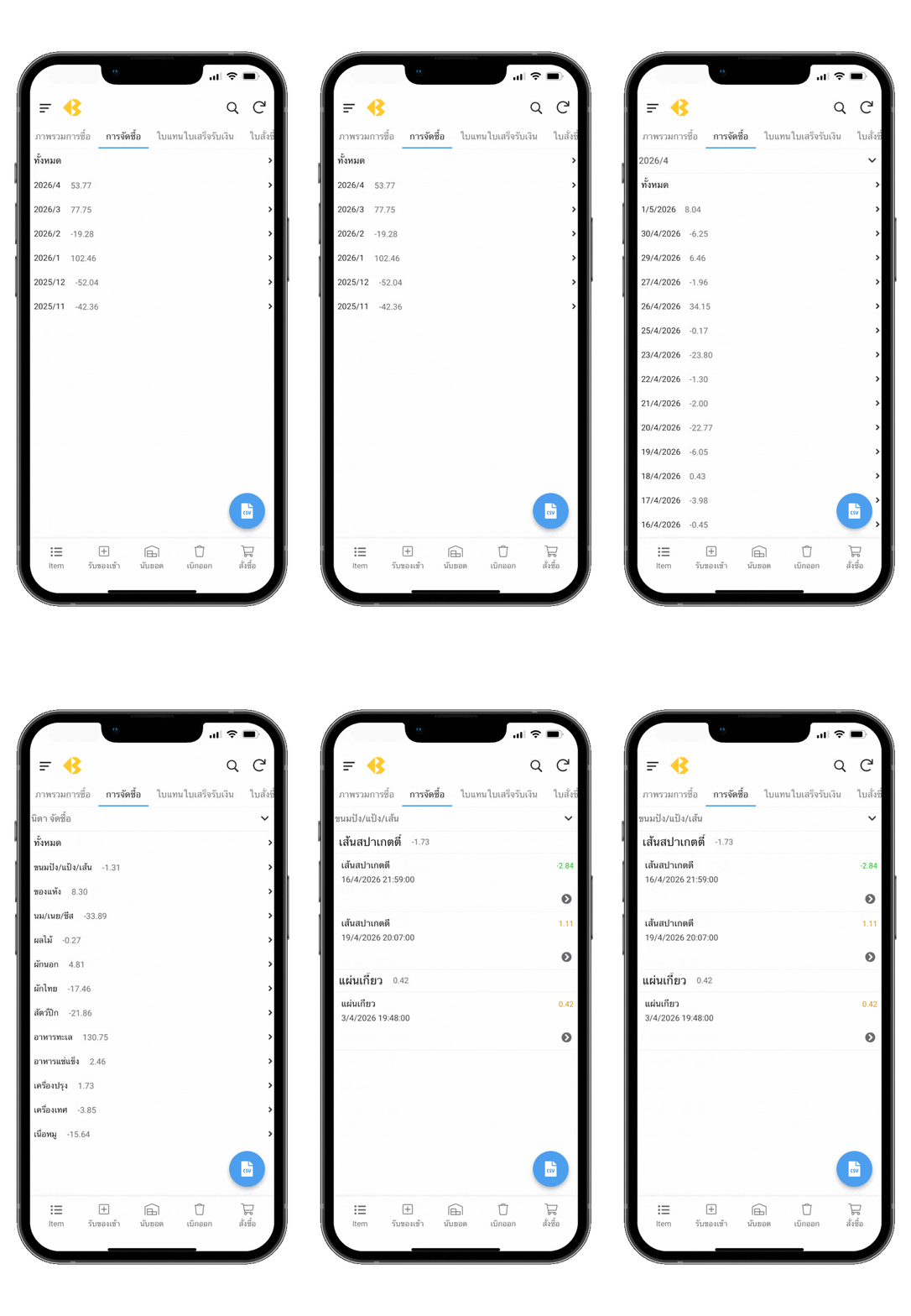
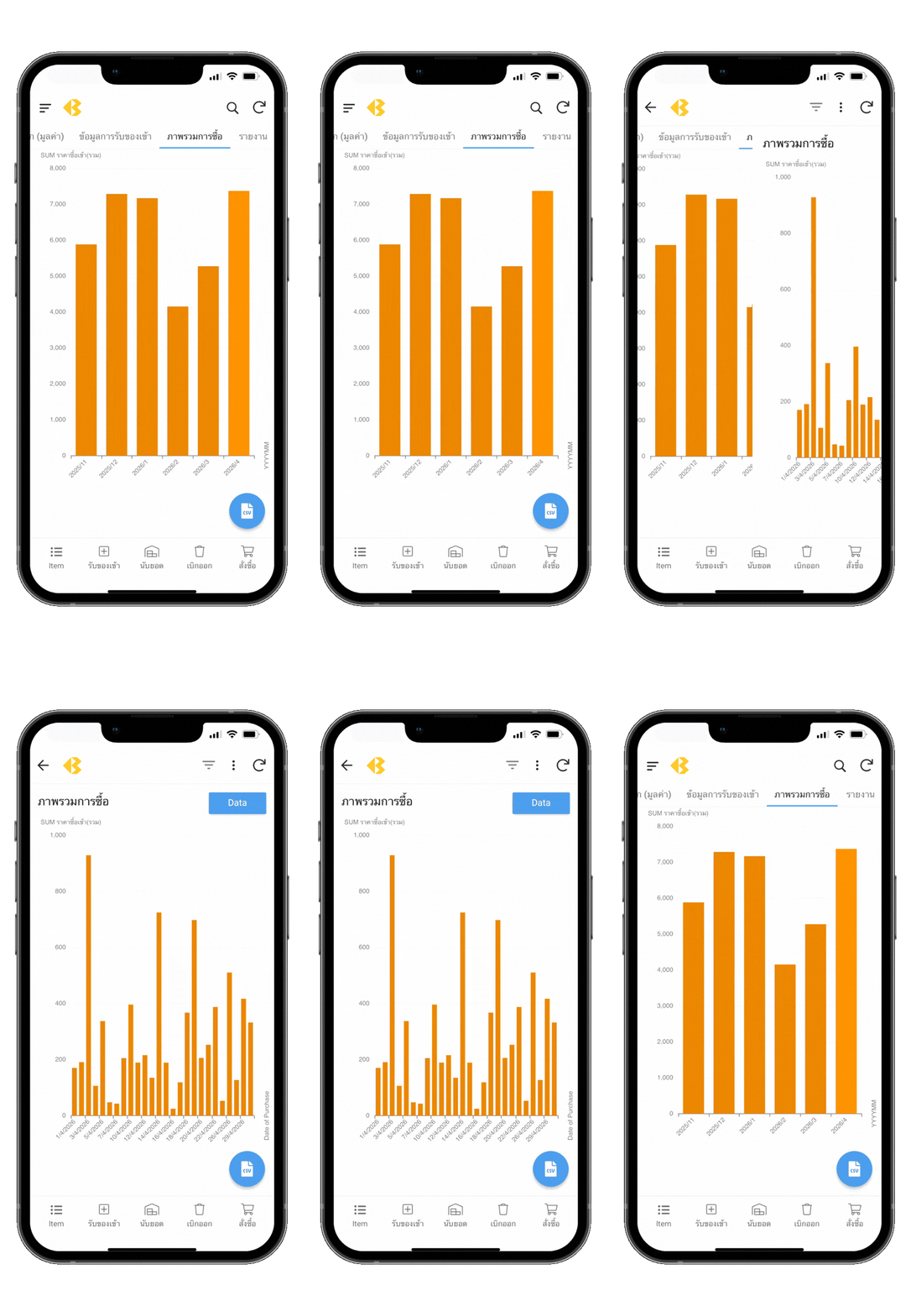
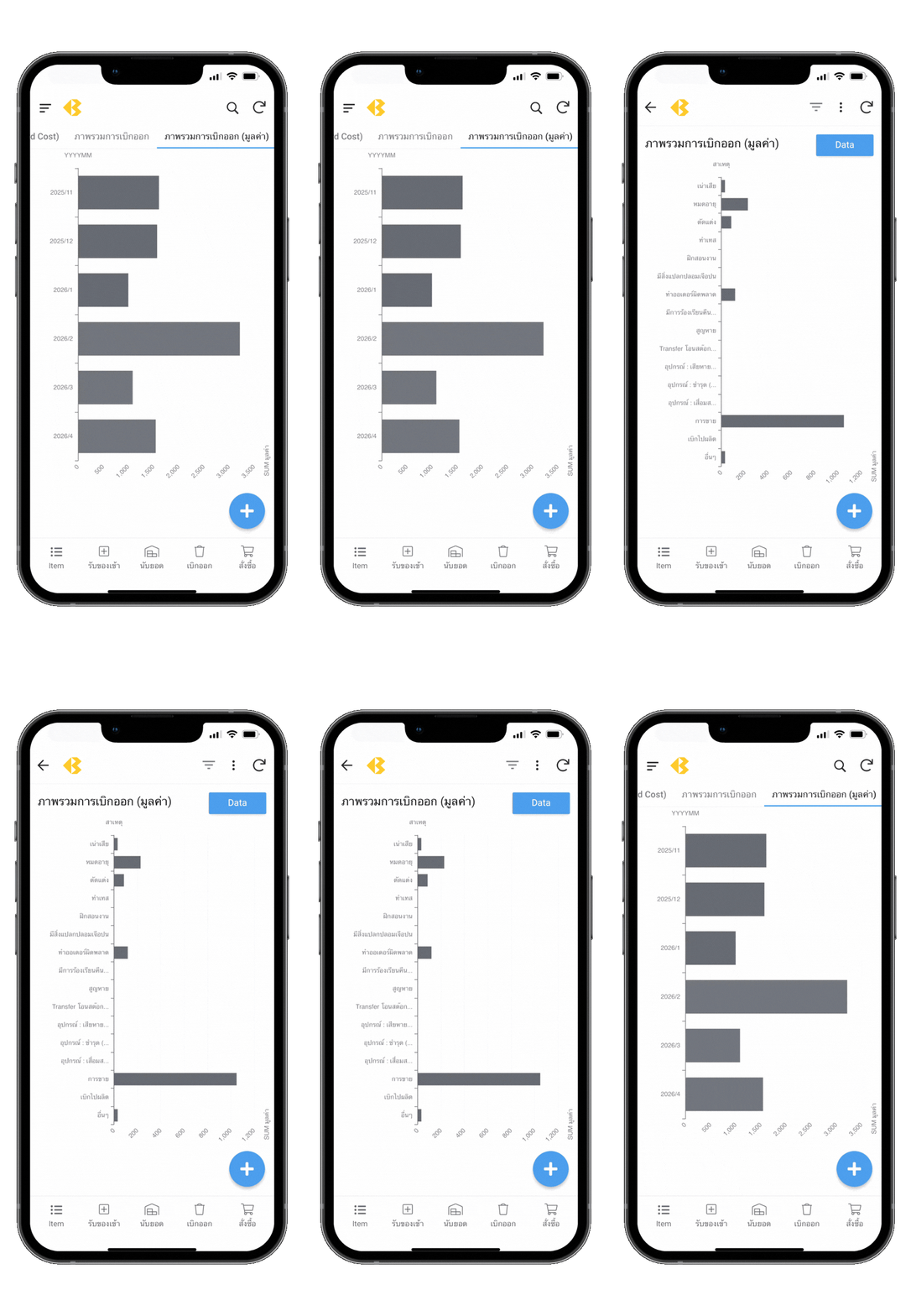
- Access Recipes Easily: View recipes conveniently on smartphones or tablets.
- Detailed Sales Channel Insights
- Compare Costs with Visuals
- Nutritional Data Tracking: Record and calculate nutritional information, including calorie counts (Calorie Calculator)
- Create Standard Recipe Files: Generate print-ready standard recipe files for use as SOPs.
Bill of Materials (BOM) Application
An add-on tool designed for production teams, exclusively for PRO version users.
- Streamline Production Planning: Connect to the template and generate production recipes efficiently.
- Supports Breakdown of Sub-recipes, such as ingredients used to prepare base sauces.
Which Menu to Promote, Which to Remove: Analyze with the Menu Engineering App
An add-on application designed to evaluate menu performance, exclusively for PRO users.
- Analyze sales data and menu profitability.
- Categorize menus into four groups, each requiring different strategies.
- Identify menus sharing common ingredients and underutilized raw materials.
Export Recipes for POS Stock Deduction
An add-on for exporting recipe and ingredient data recorded in the recipe cost calculator Pro, designed for use with POS.
- Please contact your POS provider to confirm spreadsheet import functionality.
- Click here to download a sample file.
Integrated with the All-In-One Manager Application
All-In-One Manager app is a back-of-house management solution (available as a subscription program) designed specifically for restaurant businesses, offering comprehensive management of inventory and purchasing.
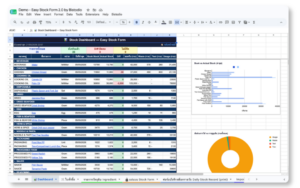
- Inventory Counting
- Market List
- Purchasing
- Receiving
- Spoil
- Equipment Logging
Recipe SOPs
Seamlessly integrate with applications for team collaboration within your organization.
BOM
(Bill of Materials) Eliminate redundant tasks – no need to manually calculate the quantities of ingredients required.

No Lost Recipes
Forget misplaced paper notes. Store all your recipes online and reduce paper waste.
Secure Storage
Keep your data safe in your personal drive account.
FAQ
Differences between Basic and Pro versions
Basic version is designed for formular/recipe recording as the main feature, allowing you to know the cost of ingredients, material and packaging for each product/menu.
Pro version is for those who want more in-depth details, including crucial cost control for sales and basic profit calculation. It is suitable for business owners.
Do you offer any discounts for new shops or small businesses?
Yes, we do! At Bistodio, we are delighted to support small business owners—whether you are running a small shop, launching a new venture, or just starting your journey in the restaurant industry.
Get a special discount on our Pro Templates by simply sharing your business story! 💡
✅ How to participate:
- Introduce Yourself: Tell us your shop’s name or give us a brief overview of your business plan.
- Share Your Experience: Tell us about a challenge you’ve faced, how you solved it, or any tips/techniques that worked for you. Your insights could be incredibly valuable to fellow entrepreneurs!
- Attach Proof: Provide a link to your business’s social media or any official business documents. (This helps our team review and approve your discount faster.)
Interesting stories may be featured on our platform (with full credit given) to inspire and provide lessons for others in the industry.
📩 Send your story to: [email protected]
Once received, you will be sent a “Pro Template Discount Code” via email. (Our team will get back to you within 24 hours!)
Is my recipe safe? Who can see it?
We understand that recipes are a business secret. Customers receive the template file for use and storage in their own personal Google account only. Bistodio cannot access the file or view the customer’s recipes. All data remains private, secure, and fully under the user’s own control.
What is your after-sales support like?
Users can contact our team for guidance or usage support at any stage via LINE or email.
We will respond as quickly as possible, and no later than within 24 hours.
Can I upgrade to Pro version later?
Yes, we are happy to offer a discount for customers who have previously purchased the Basic version and wish to upgrade to the Pro version.
However, please note that upgrading requires manual data migration and recipe recording.
Processing speed
The template operates on the Google Sheets system, and the speed of internet connection and server performance may affect the processing speed.
Pro version, which handles extensive data calculations, may take longer to process compared to the Basic version.
Supported devices
The template can be used on Mac, PC, mobile phones, and tablets/Ipad.
In the case of a large amount of data, it may result in slower processing and some functions may not work on mobile phones and tablets due to insufficient processing power. However, they can be used normally on computers.
Terms of Use
A Google account is required to use this template.
1. License Agreement
- Upon purchase, the buyer will receive the template for storage in their personal Google Drive account.
- One purchase grants usage rights for one account.
- This license is for personal use only and may be used within the buyer’s own business, including sole proprietorships or organizations where the buyer has management authority.
- The template may be used across multiple business locations only if the purchasing account is the sole user.
- The buyer may share access to the file within their organization via Google Sheets but is not permitted to copy, modify, or distribute the file without authorization. Any copyright infringement will hold the buyer, as the account owner, solely responsible.
2. Usage Restrictions
- This template is protected by copyright law.
- Copying, modifying, distributing, or publishing the template without permission is strictly prohibited.
- The buyer may add, delete, or modify data within the template as instructed in the user guide. However, modifications to the layout, headings, or fields are not permitted, as they may affect the template’s functionality.
3. Prohibited Actions
- The template may not be shared, transferred, or resold outside the organization. Internal sharing is permitted only as specified in Section 1.
- Copying, modifying, or repurposing the template for resale is strictly prohibited.
4. Copyright and Liability Disclaimer
- The buyer is granted usage rights under the specified terms, but the copyright remains with the developer. The buyer does not have the right to transfer, resell, or distribute the template.
- The seller is not liable for any damages resulting from the use of this template, except in cases of gross negligence by Bistodio. The maximum liability is limited to the purchase amount, and any claims must be made within 30 days of purchase. After this period, no liability will be assumed.
- If any errors or system issues are identified, the buyer should notify us so we can investigate and fix them accordingly. Buyers of one-time purchases are entitled to receive updated versions that include bug fixes or improvements at no additional cost.